
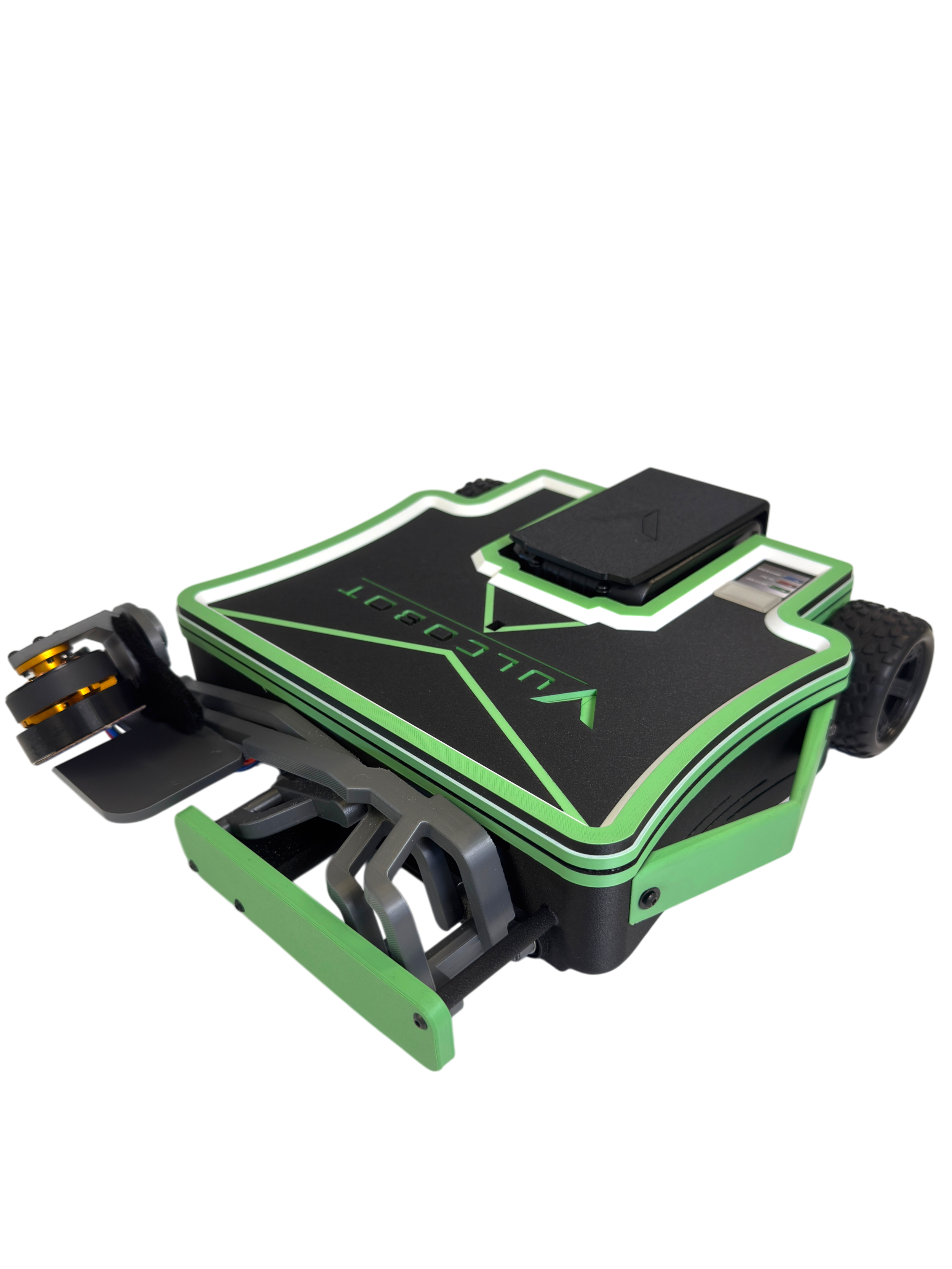
Specifications
Explore Vulcobot's key dimensions, performance capabilities, power requirements, and technical features.
Physical
Performance
Power
Connectivity
Getting Started
Get familiar with your Vulcobot and learn the basics before your first sharpening cycle.
Meet Your Vulcobot
Get to know the key components and features of your Vulcobot.
How to Charge
Watch the video below to learn how to charge your device.
What Mowers Can Vulcobot Sharpen?
Browse examples of mower types compatible with Vulcobot. Swipe or scroll to see more.
Zero-Turn Mowers
Placeholder information about compatible zero-turn mower configurations.
Riding Mowers
Placeholder information about compatible riding mower configurations.
Commercial Mowers
Placeholder information about compatible commercial mower configurations.
Walk-Behind Mowers
Placeholder information about compatible walk-behind mower configurations.
Troubleshooting
Review common issues below and see the recommended solution for each one.
Vulcobot Will Not Power On
Check that the battery is fully charged and securely connected before restarting the unit.
Charging Issue
Confirm the charger is properly seated and verify the charging port is clean and free of debris.
Blade Not Positioned Correctly
Reposition the mower and make sure the blade area is aligned correctly before starting the sharpening cycle.
Connection Error
Restart the connection process and ensure the device is within range and paired to the correct system.
Still need a hand?
Need more help?
Can't find what you're looking for? Our support team is here to help get you back up and running.